Your assistant writes the cards. Your village grows when you review them.
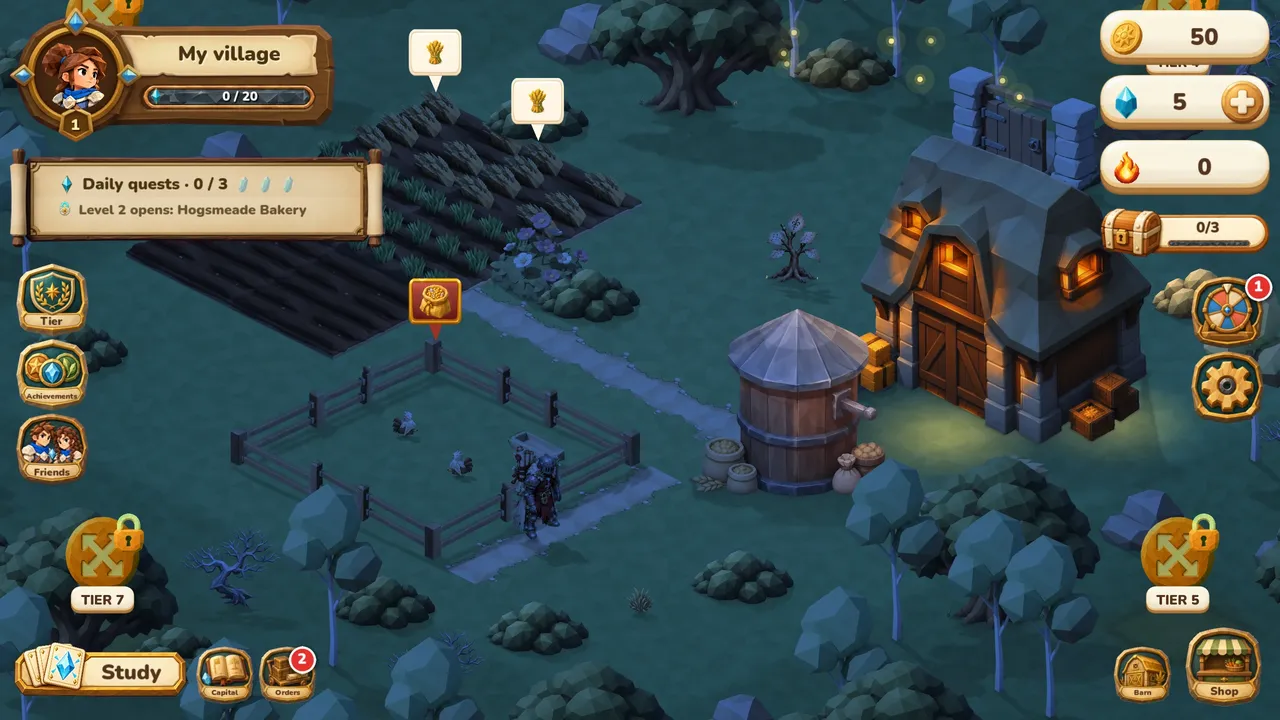
Ask Claude or ChatGPT to turn a lesson, your notes or a video into flashcards. They land in your Cristal Memoria decks. Then you review them in a village game: your wheat, milk and cheese come from your reviews.
Get Cristal Memoria, free betaiPhone and iPad, through Apple TestFlight
What the connector does
From a video to a deck
Paste a YouTube, TikTok or Vimeo link and name a deck. The assistant reads the subtitles, writes cards on what the video really teaches and saves them.
From a lesson to your collection
Basic, reversed or cloze notes. Search, fix, tag and organize your cards, check your statistics and daily limits, all in conversation.
Synced everywhere
Changes reach the app on your devices at their next sync. The connector never answers reviews or earns rewards for you.
Then the game takes over
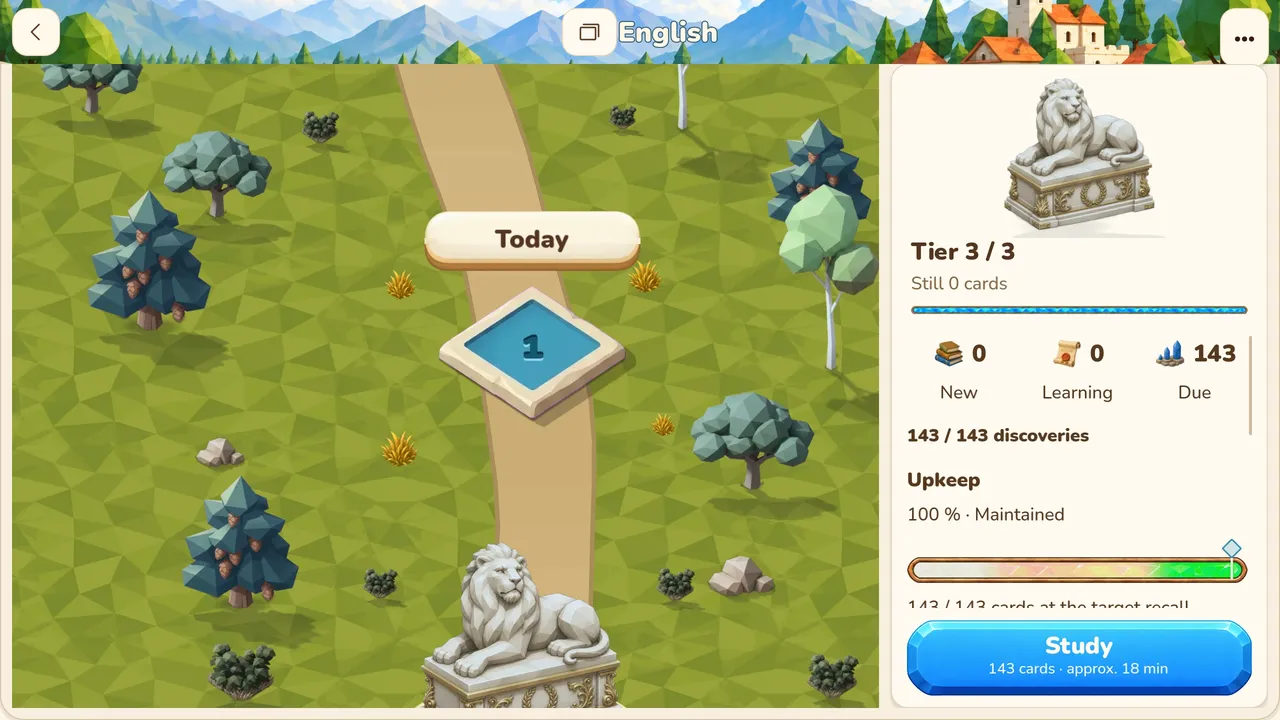
12 cards. One wheat field.
Reviewing is what makes things grow. An hour of play with zero reviews leaves your field where it was, so the game keeps sending you back to your cards.
Press Again. Your wheat still grows.
Every answer moves your crops, whichever button you press. You can rate your memory honestly and your schedule stays useful.


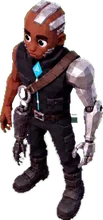
Piet, Suzu, Apus and the other villagers live in the village you build.
New to Cristal Memoria? Three steps
- Install the app. Join the free beta on iPhone or iPad (TestFlight).
- Sign in with your email in the app. That creates your free account.
- Connect your assistant with the same email, as shown below.
Connect your account
Server address: https://api-beta.cristalliseurs.com/mcp
Claude: open Cristal Memoria in the Claude directory and choose Connect. You can also find it in Settings, Connectors, or choose Add custom connector there with this address.
ChatGPT: until the app is listed in its directory, turn on developer mode in Settings, Apps & Connectors, Advanced, then create a connector with this address.
Sign in with your Cristal Memoria email and the code sent to that address, then authorize access. The connector is free with a Cristal Memoria account.
The connector cannot answer reviews, earn rewards, access your village or make purchases. It does not upload media or import collection archives.